 Garagent
Research the web
Let Claude agents search the web. Give Claude or OpenAI agents a read-only browser to explore pages and follow links.
INVITE-ONLY BETA
Hire agents with different roles, give them tools, and let a lead agent delegate the work. Follow progress in a visual office and get a combined result—all in your browser.
Access is currently limited to invited testers. Already invited? Sign in.
PROJECTS & DELEGATION
Choose an agent to lead a project. Give it a goal and it plans the work, delegates tasks to teammates, and brings their findings together into one result.
Tasks and projects run on the server, so refreshing the page doesn’t stop the work.
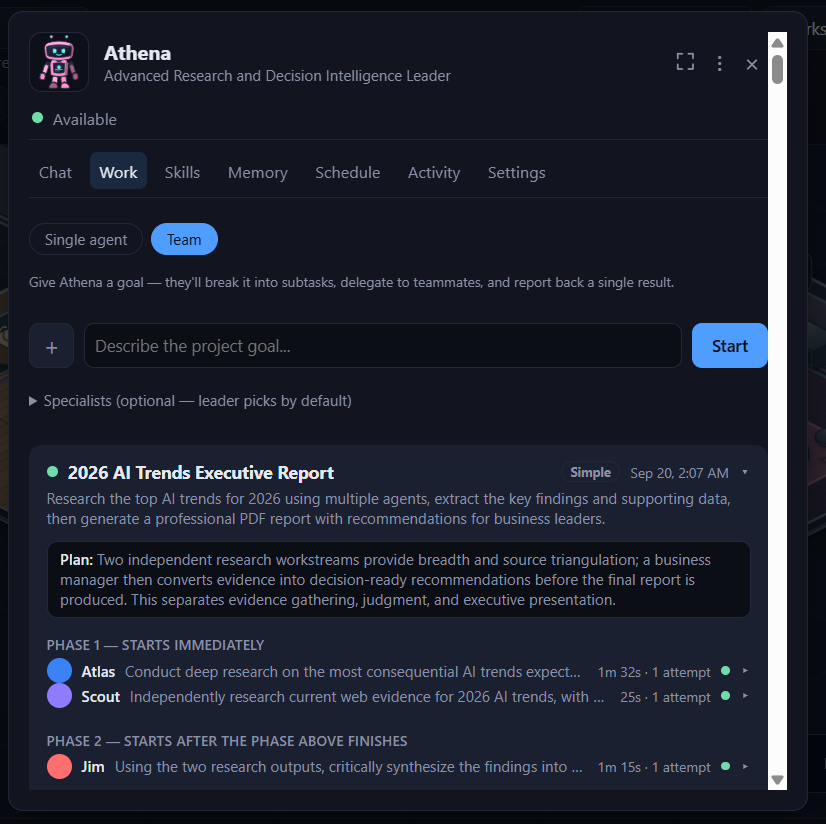
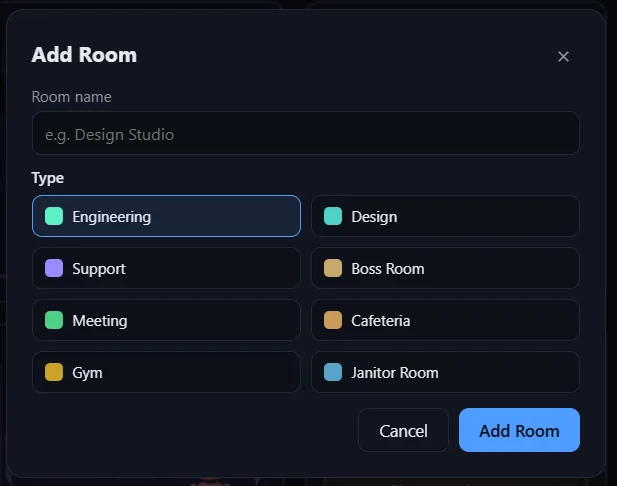
Your office starts empty. Add a room for the work you want to do, from Engineering and Design to Marketing and Support.
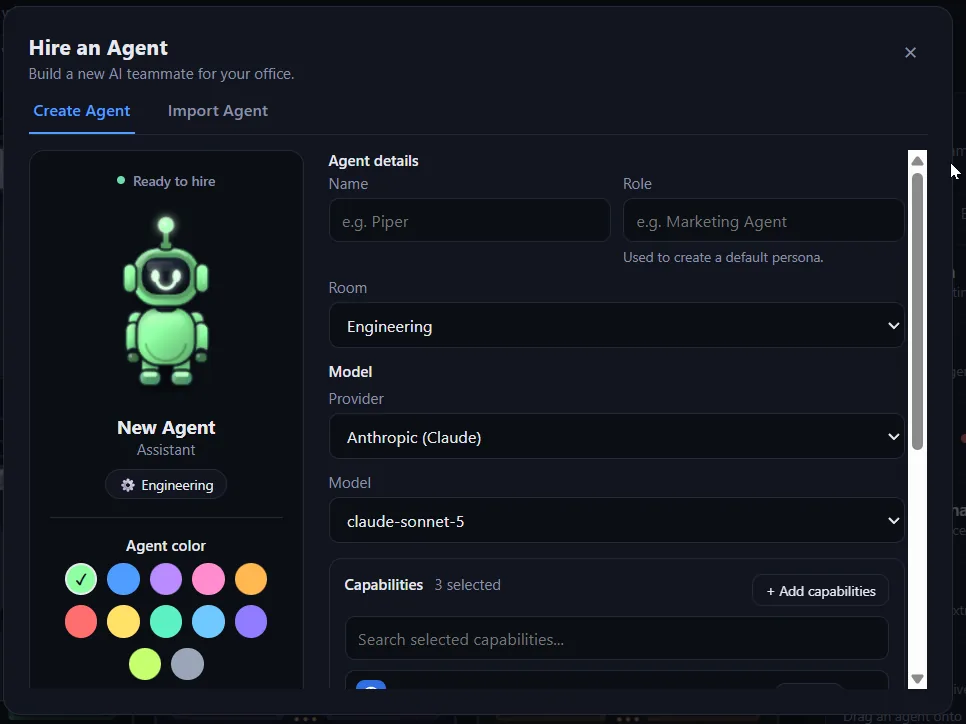
Give it a name and a role, pick the room it works in, choose the model provider and model it runs on, and switch on only the capabilities it should have.
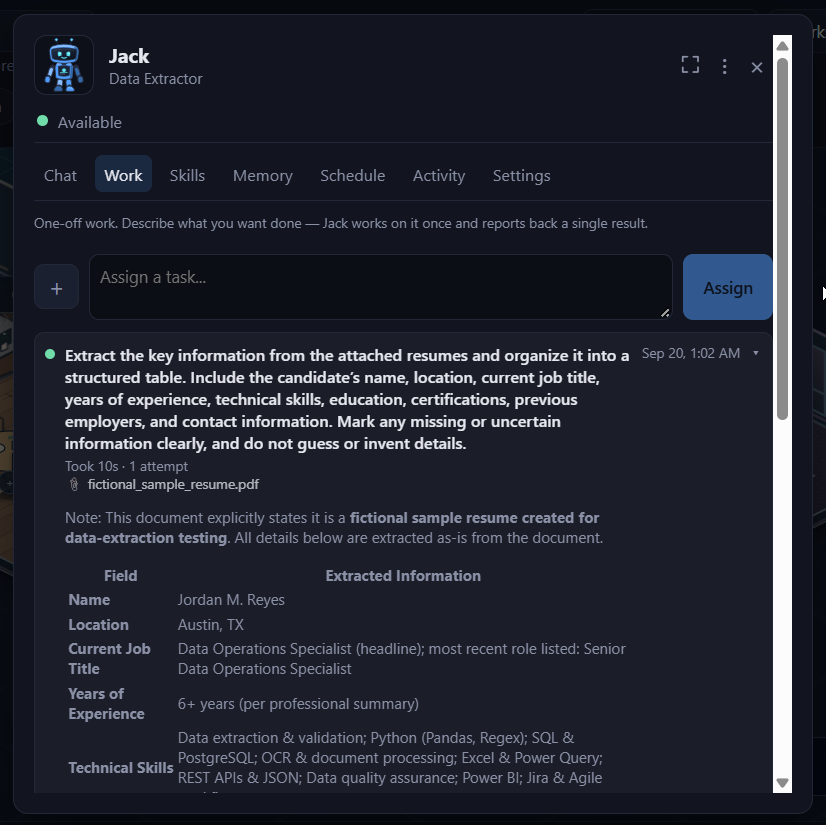
Click an agent to chat or assign a task. Follow its progress in the Work tab and pick up the result when it is ready.
REAL TOOLS
Choose capabilities for each agent. Mix Claude and OpenAI models in the same office, with available tools matched to the provider.
Let Claude agents search the web. Give Claude or OpenAI agents a read-only browser to explore pages and follow links.
Give agents access to text files and PDFs in a shared workspace, so their answers can draw on your material.
Grant write access to save reports, notes, and drafts as text files that you or another agent can pick up.
Connect your n8n instance and let agents trigger only the workflows you have registered and allowed for them.
Read and write access are granted separately. Available capabilities depend on the agent’s model provider; n8n requires setup.
SKILLS & MEMORY
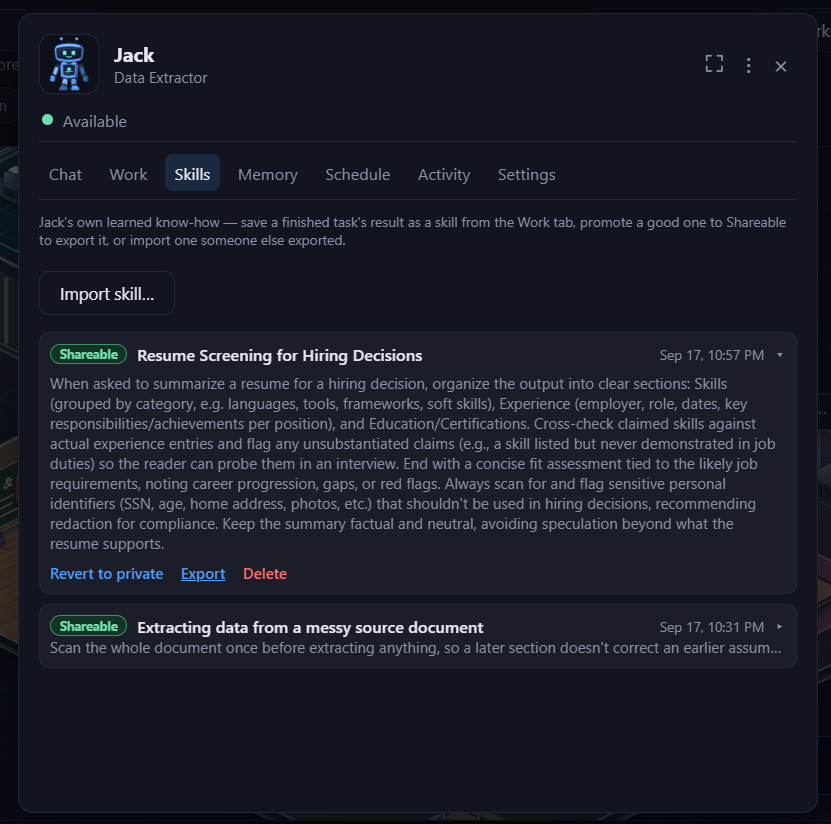
Save successful work as a skill your agent can use again. Keep it private to that agent or share it with the rest of the office.
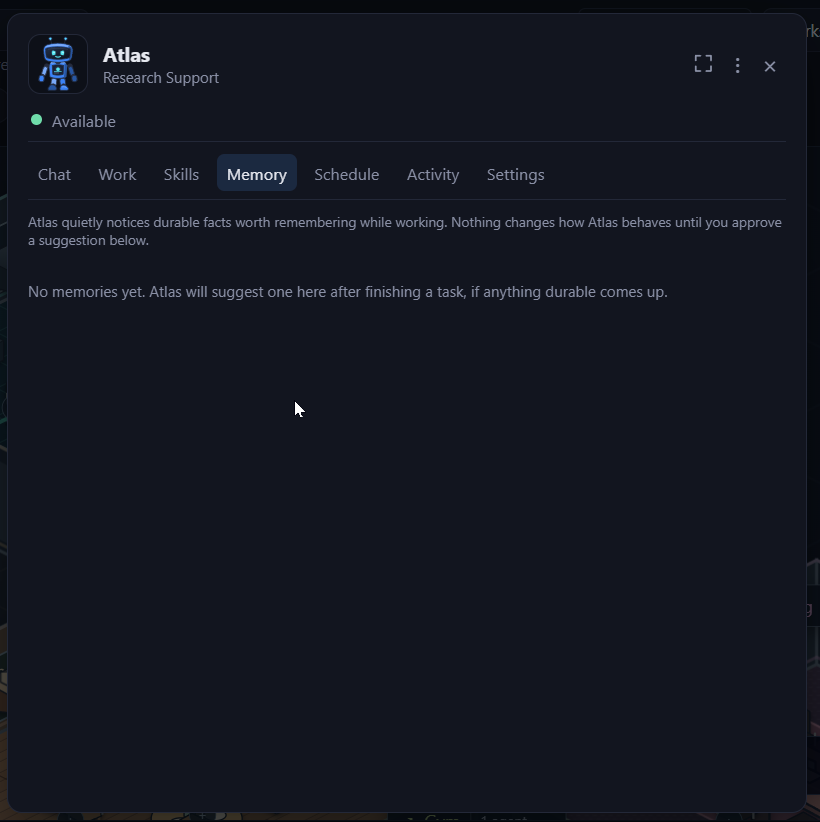
Agents can suggest useful facts to remember. Approve or dismiss each suggestion; only approved memories are used in future conversations.
SCHEDULE & VISIBILITY
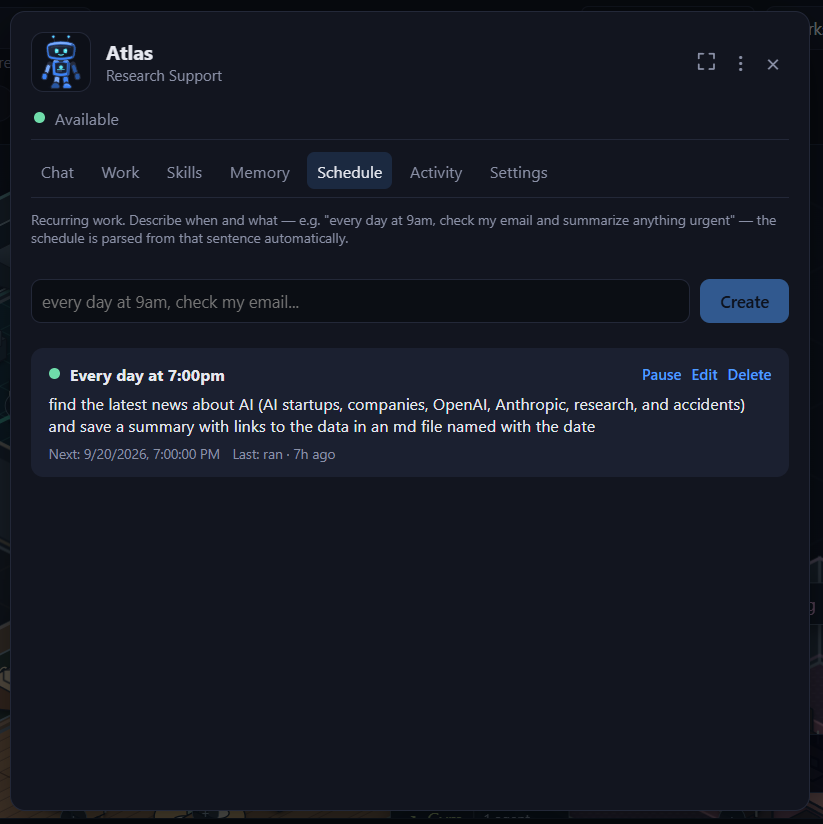
Schedule a task or project for later, or give it a recurring cadence. Each run appears in the Work tab so you can follow progress and review the result.
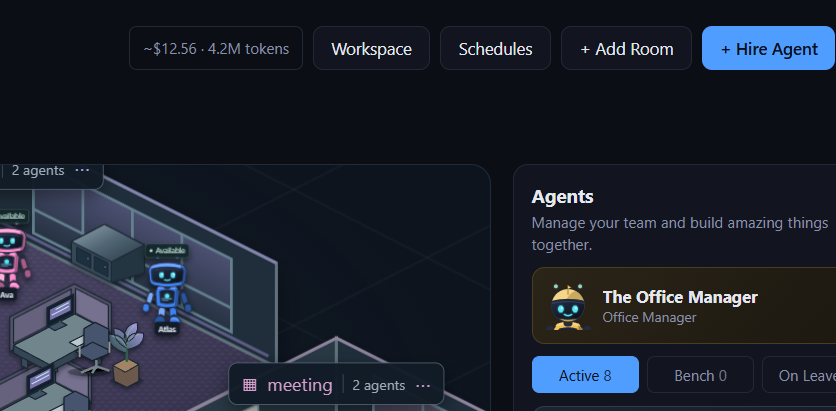
Track usage and estimated costs in the office header, with a breakdown per agent and a notice when your balance runs low.
Learn how web browsing, shared files, and registered n8n workflows fit into your office, including which tools each model provider supports.
Explore capabilitiesGet to know the office, chat, projects, skills, memory, and scheduling. See the screens and controls you’ll use to manage your agents.
See the features